Update Guide
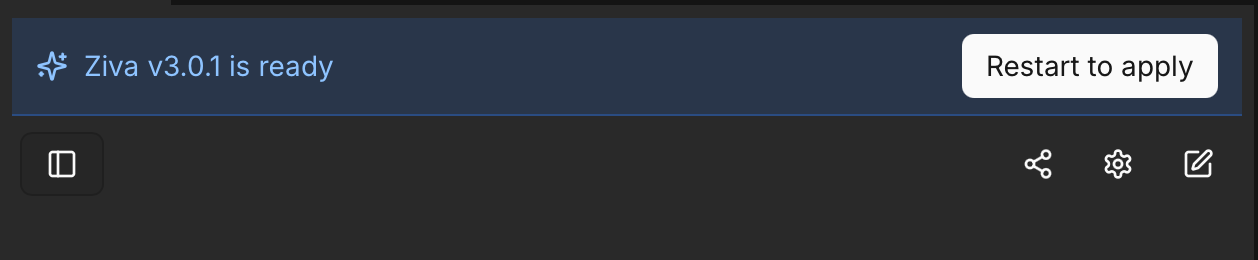
Ziva downloads the latest update in the background, using a smaller download when available. Click Restart to apply in the top banner to install it and restart Godot.
Update failed or still on the same version? Close Godot and reinstall from https://ziva.sh/download . Keep your project and chat data.
How to Manually Update
Method 1: Using the Installer (Recommended)
Ensure your Godot editor is closed before running the installer.
Run the installer script again to download the latest version. Enter the command below in your computer’s terminal, not in Ziva’s chat.
Linux / macOS: Open Terminal and run:
curl -fsSL https://ziva.sh/install.sh | bashWindows: Open PowerShell and run:
irm https://ziva.sh/install.ps1 | iexOn macOS, you can also download the installer from the download page and open it.
The installer will detect the existing installation and update it with the latest version.
Method 2: Manual Update
If you prefer to update manually:
-
Download the zip of the plugin latest version from the download page or GitHub releases
-
Close Godot completely.
-
Delete the old plugin folder at
addons/ziva_agentin your project -
Extract the new version and copy the
addons/ziva_agentfolder to your project’saddonsfolder. -
Restart Godot to load the updated plugin.
Refer to the Manual Installation section